
How to Download Your Free Videos
Request a Personalized Video (All Modules)
Looking for More Marketing Resources?
Double the Donation provides a free, pre-branded educational video for each module:
-
Matching Gifts
-
Corporate Volunteer Incentives
-
Payroll Giving
These videos explain the program to supporters and walk them through how to participate—making them ideal for webpages, emails, and campaign materials.
Your organization can choose between 2 videos: a free, Double the Donation-branded video, or a video personalized to your organization's brand, available for a small fee.
How to Download Your Free Videos
You can download any of the three videos using the same process:
-
Log in to your Double the Donation account.
-
Navigate to the appropriate workplace giving program:
-
Matching
-
Volunteering
-
Payroll Giving
-
-
Open Marketing Assets.
-
Scroll to the relevant video section
-
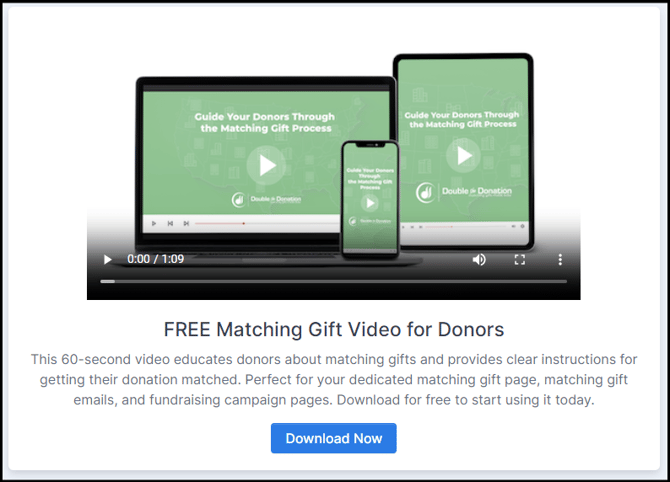
Matching Gift Videos
-
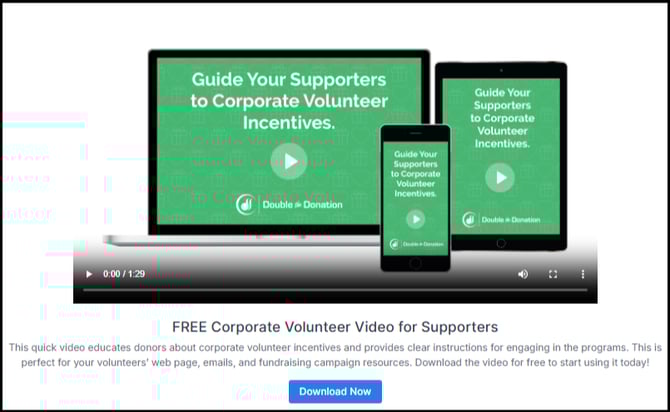
Corporate Volunteerism Videos
-
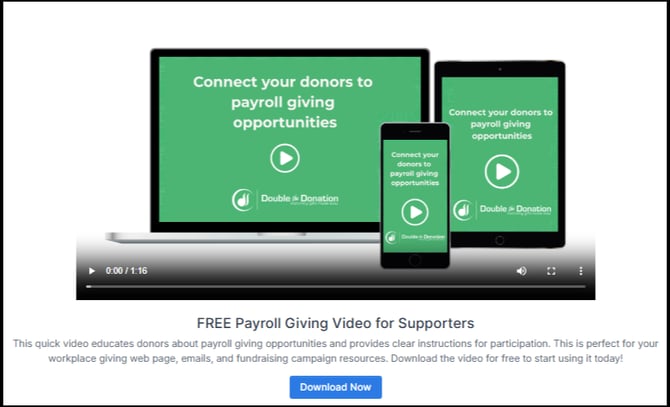
Payroll Giving Videos
-
-
Click Download Now.
Each free video provides a clear, simple explanation of the program and what the supporter needs to do next.
Request a Personalized Video (All Modules)
Your organization can request a custom-branded video for any module—Matching Gifts, Volunteering, or Payroll Giving.
-
Cost: $550 per video
-
Branding Includes: your logo, colors, and key program URLs
-
Turnaround Time: ~5 business days
-
Delivery: Sent via email after completion
-
Billing: An invoice is sent to your account’s billing contact once the video is delivered
How to Request a Personalized Video
The request process is identical across all modules:
-
Navigate to the appropriate workplace giving program:
-
Matching → Marketing Assets
-
Volunteering → Marketing Assets
-
Payroll Giving → Marketing Assets
-
-
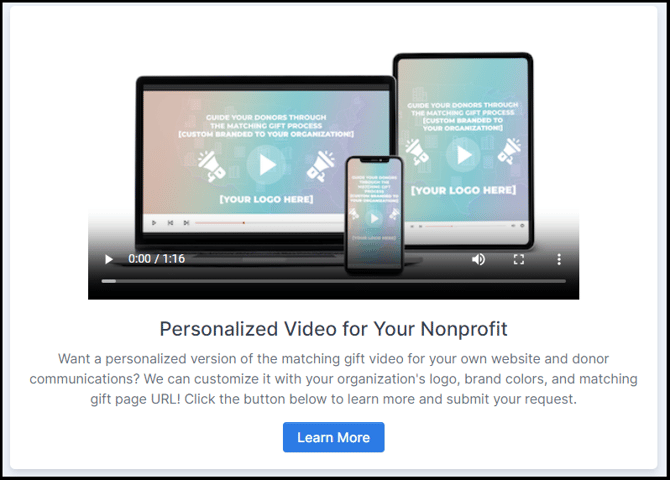
Scroll to the Personalized Video for Your Nonprofit section.
-
Click Learn More.
-
Complete the submission form with:
-
Your logo
-
Brand colors
-
The URL of your program page (matching gifts, volunteering, or payroll giving)
-
-
Review the demo and submit your request.
Your video will be created based on our standard template, customized with your branding.
How to Use Your Videos
We strongly recommend using your videos to educate and motivate supporters across multiple touchpoints:
1. Dedicated Website Pages
Embed the video on your organization’s:
2. Donor & Volunteer Communications
Add the videos to:
-
Donation receipts
-
Thank-you emails
-
Volunteer confirmations
-
Workplace-giving outreach emails
3. Fundraising & Campaign Pages
Use the videos on:
-
Giving Day pages
-
Peer-to-peer fundraising pages
-
Annual or seasonal campaigns
Videos increase the likelihood that supporters take action—resulting in more matches submitted, more volunteer incentives claimed, and higher recurring payroll giving enrollment.
Looking for More Marketing Resources?
Your account includes additional marketing assets for each module. Explore them in: Marketing Assets