Step-by-Step: Integrate Double the Donation Matching with Overdrive Donation Forms
Overdrive - Double the Donation FAQs
Double the Donation is the industry-leading matching gifts automation solution for nonprofits and educational institutions to identify more matching gift revenue opportunities and drive more matches to completion. You’ll need a Double the Donation account to activate the matching gift functionality within this partner platform. Not a Double the Donation client? Schedule a demo at https://doublethedonation.com/demo-request/.
Step-by-Step: Integrate Double the Donation Matching with Overdrive Donation Forms
Step #1: Navigate to your Overdrive dashboard and select “Manage My Cause”
.png?width=670&height=303&name=Screenshot%2016-12-2025%20at%2010.23%20(3).png)
Step #2: Enter your Public and Private API Keys from your Double the Donation Matching account and click “Save".png?width=670&height=166&name=Screenshot%2016-12-2025%20at%2010.29%20(1).png)
Not sure how to find your API keys? Check out this article.
Congratulations! Your integration is now enabled. Double the Donation’s tools will now appear on your Overdrive donation forms and donation data will flow into your Double the Donation Matching account.
Overdrive - Double the Donation FAQs
Q: I don't have a Double the Donation Matching account. Where can I get one?
A: Visit https://doublethedonation.com/demo-request/ to request a demo! Make sure you mention that you use Overdrive in your demo request form.
Q: Where can I embed Double the Donation's plugin?
A: We recommend you create a dedicated matching gift page on your website to place matching gift information in the path of every website visitor, not just those already on your donation form. On this page, you can explain what matching gift programs are and provide donors with a chance to look up their employer’s program forms, guidelines, and instructions. Your dedicated matching gift page will become a useful resource to include in emails, newsletters, and direct messages.
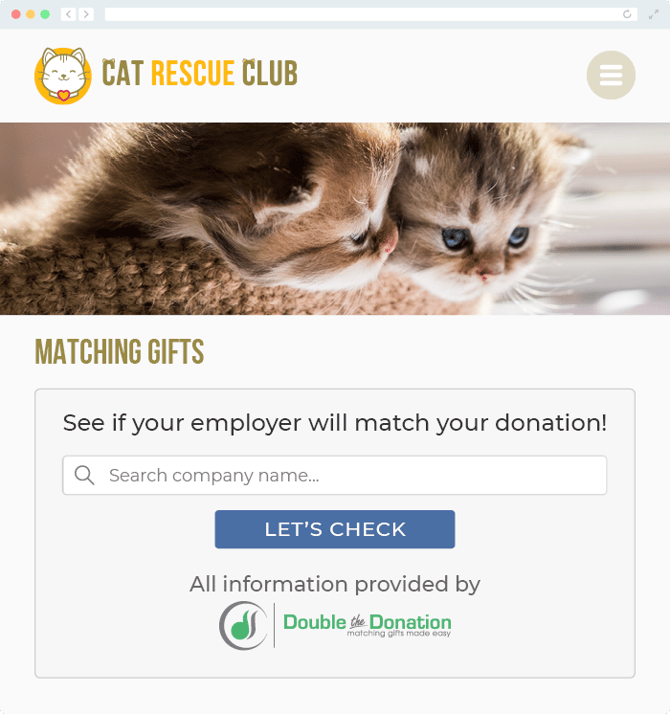
To install Double the Donation’s matching gift search tool anywhere on your website, simply copy and paste the Embed Code from your matching module onto the desired page. Take a look at an example: