
Shared Fields Between Matching and Volunteering
Unique Fields for Each Hosted Page
Overview
Double the Donation now provides dedicated Hosted Pages for both:
- Matching Gifts
- Volunteering Programs
Each Hosted Page is designed specifically for its workplace giving program while sharing core organizational information for consistency.
The Matching and Volunteering Hosted Pages have been revamped to reflect the new and modernized UI
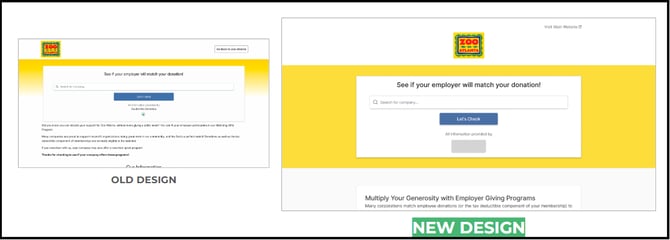
Visit link for full design
Enabling Hosted Pages
Hosted Pages are enabled through account permissions.
Important
Enabling the Hosted Page feature within Matching automatically enables Hosted Pages for Volunteering as well.
Once enabled:
- Matching Hosted Pages are available within Matching settings.
- Volunteering Hosted Pages are available within Volunteering settings.
Access Permissions
-
Matching Hosted Page
-
Accessible only to users with the Matching – Admin role.
-
-
Volunteering Hosted Page
-
Accessible only to users with the Volunteering – Admin role.
-
Shared Fields Between Matching and Volunteering
To maintain consistency, several fields are shared across both Hosted Pages.
-
Organization Information
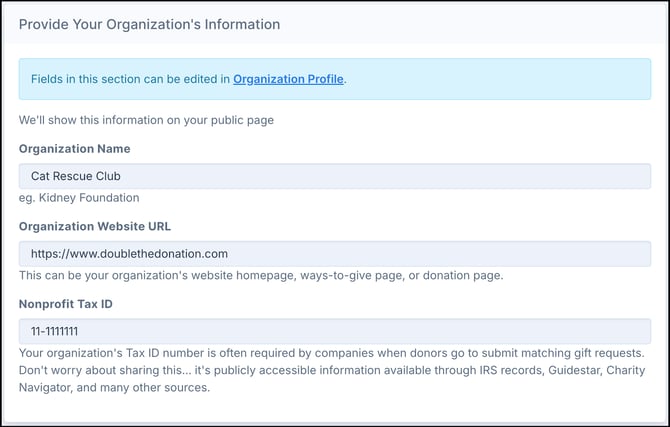
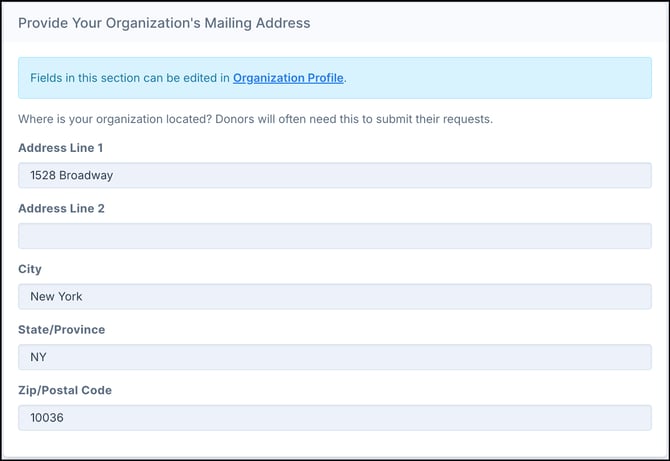
- Mailing Address
- "Visit Main Website" button is directly linked to the "Organization Website URL"
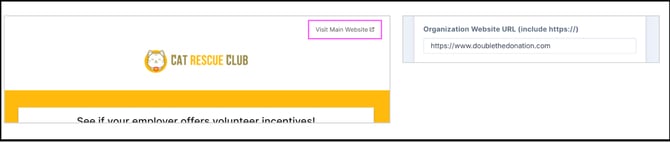
These fields automatically appear on both Hosted Pages and must be updated through the Organization Profile.
Important
These shared fields are locked within the Hosted Page settings and cannot be edited directly on either page.
Unique Fields for Each Hosted Page
While organization information is shared, each Hosted Page has its own program-specific settings.
-
Unique Hosted Page URLs
-
Each program receives its own Hosted Page URL.
-
Matching Example
-
-

-
-
-
Volunteering Example
-
-

The Volunteering URL contains an additional volunteering identifier to distinguish it from the Matching page.
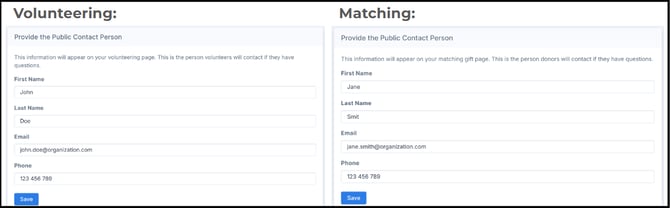
Unique Contact Persons
Matching and Volunteering Hosted Pages each support separate contact persons.
This allows organizations to:
- Route matching gift inquiries to fundraising teams.
- Route volunteer incentive inquiries to volunteer coordinators.
Unique Page Descriptions
Each Hosted Page contains its own customizable description displayed beneath the search tool.
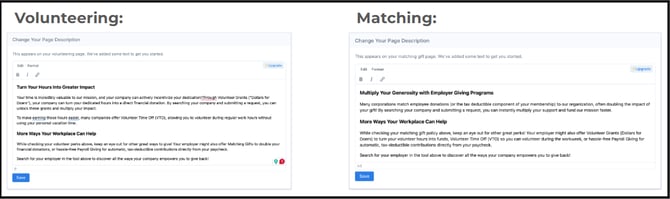
Organizations can use the default text or customize it for their program needs.
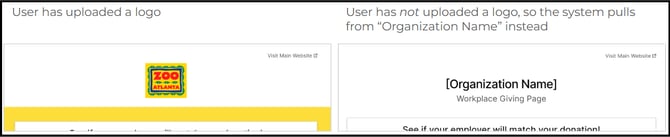
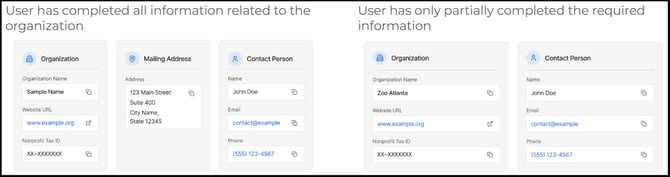
Backwards Compatibility
The design is fully backward compatible and seamlessly supports any existing client customizations. Here are a few examples:
Best Practice Recommendations
-
Configure both Hosted Pages if your organization participates in both programs.
-
Assign separate contacts when different staff manage matching gifts and volunteering.
-
Keep Organization Profile information current since it populates both pages.
-
Customize page descriptions to explain your workplace giving opportunities.
-
Use Hosted Pages when iFrame implementations prevent full search tracking.